It's Prompter Time: Meet CastlePrompt, Our Online Teleprompter
We built CastlePrompt for our own studios. We’d tried the other teleprompter software out there and kept running into the same frustrations, so we wrote our own, shaped around how prompting actually works on our sets in Burbank and Albuquerque.
It’s tailored to what we need on a shoot, and it may well cover what you need too. It’s free to use at itspromptertime.com. Open the page and you’re already in the prompter: there’s nothing to install, no account to make, and no watermark on the talent screen.
Getting a script in
Drop in a Word file, a PDF, plain text or Markdown, or pull in a Google Doc. Scripts save in your browser as you type, so closing the tab doesn’t lose your work.
A few editor features came out of our own shoots. A # at the start of a line makes a bookmark, so “go again from the second segment” is one keystroke. Stage directions go in [brackets] so talent can tell them from the lines. Bold, italics and word colors show on the talent screen, and the display can be mirrored for prompter glass.
During the shoot
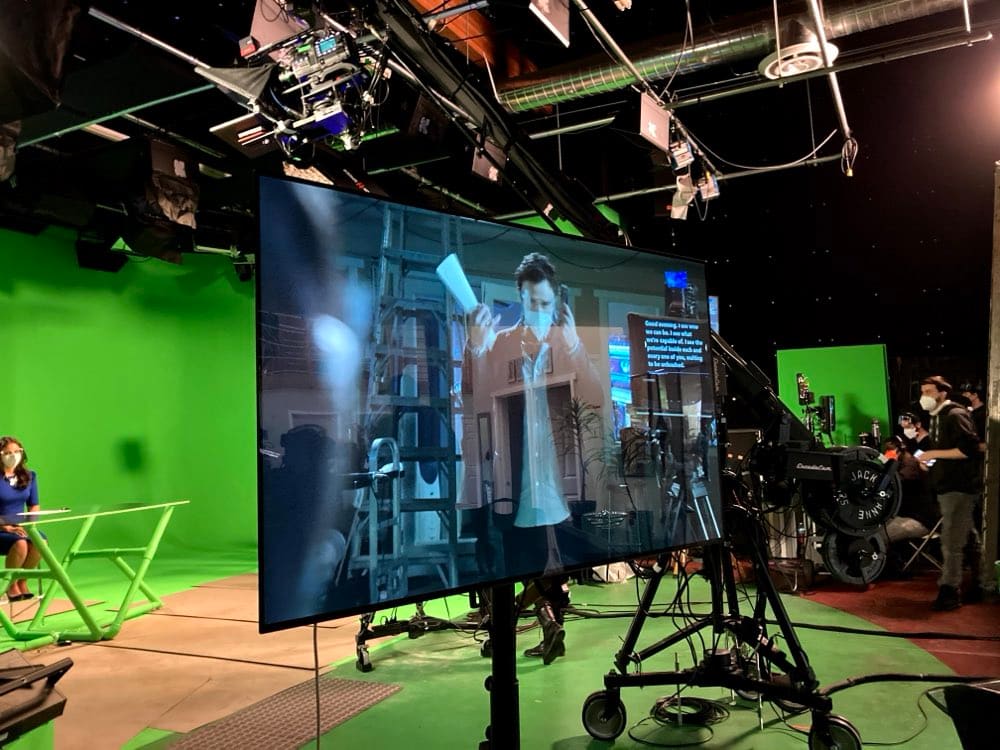
The talent screen opens in its own full-screen window and follows the operator line for line. Start a live session and you get two links: one puts a view-only talent screen on a second computer, and the other turns a second device into a remote that starts, holds, scrolls and changes speed. So the producer can take over from video village without walking to the operator’s desk.
You can also run it from a keyboard, a presentation clicker, a foot pedal, a game controller or a shuttle controller.
Sharing scripts with a team
Signing in with Google is optional. It brings your scripts to any computer you use and keeps a version history. Set up a “studio” and your team works from one shared script library.
Where it comes from
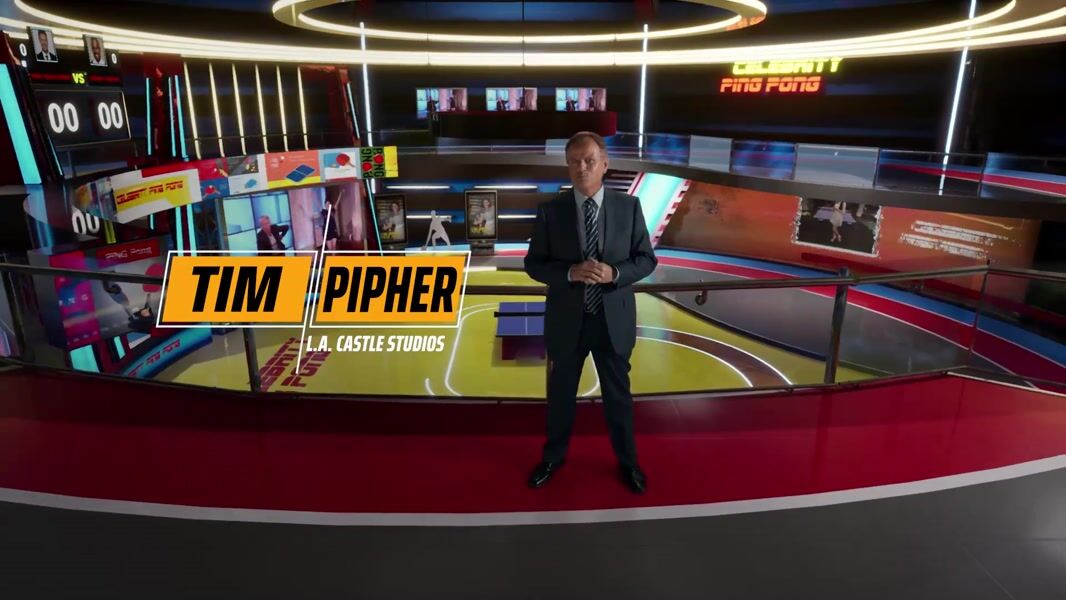
CastlePrompt runs the prompters at our two virtual production studios. L.A. Castle Studios in Burbank has above-the-lens prompters, ABQ Castle Studios in Albuquerque has three teleprompters, and a teleprompter operator is part of our optional crew package. The shoots that lean on the prompter hardest are talk shows, host wraps and corporate presentations.
If it’s useful to you, it’s at itspromptertime.com. And if your next shoot needs a virtual production stage, tell us about it.
Frequently asked
- What is CastlePrompt?
- CastlePrompt is the online teleprompter L.A. Castle Studios and ABQ Castle Studios built for their own shoots. It is free to use in a web browser at itspromptertime.com, with nothing to install and no watermark on the screen.
- Do I need an account to use CastlePrompt?
- No. Scripts save in your browser as you type. Signing in with Google is optional. It syncs your scripts between computers, keeps a version history and lets a team share one script library.
- Can talent read from a separate screen?
- Yes. A monitor opens as its own full-screen window and stays in sync with the operator line for line. A network monitor link shows a view-only talent screen on another computer, and a remote link lets someone start, hold, scroll and change the speed from another device.
- What can I import into CastlePrompt?
- Word files, PDFs, plain text, Markdown, a Google Doc shared as 'Anyone with the link', or a CastlePrompt backup. You can also drop files anywhere on the page.